
SIM & eSIM in Korea: How to Get Mobile Data for Your Seoul Trip (2026)
Last updated: October 2026 · Written by the Seoul Travel Tips team, based in Seoul
Mobile data is not optional in Seoul. You will use it for maps and subway exits, translating menus, checking opening hours and showing your hotel address to a taxi driver. You have three ways to get connected: a Korean eSIM, a physical tourist SIM, or roaming with your home carrier. This guide helps you pick one in two minutes and set it up without surprises.


Quick Answers
| Question | Answer |
|---|---|
| Best option for most visitors | An eSIM bought before you fly, if your phone supports it |
| Typical cost for a week | About ₩10,000–50,000, depending on data and whether a Korean number is included |
| Do I need a Korean phone number? | Not for maps, translation or messaging apps. Only for some local apps and services that send SMS codes. |
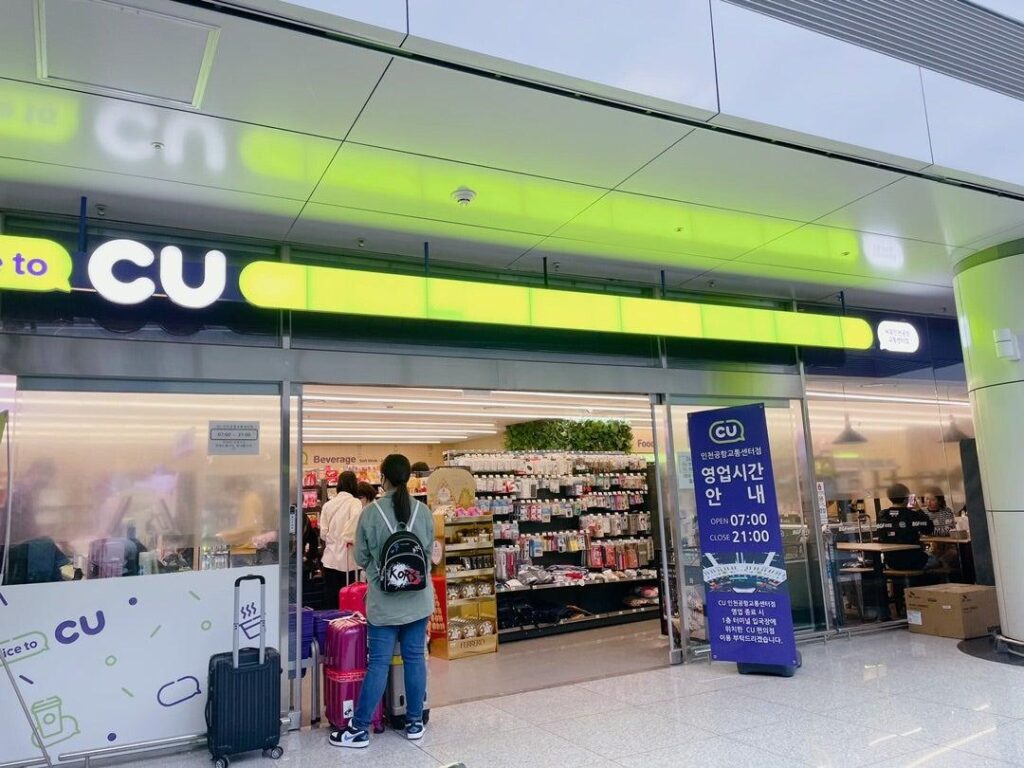
| Where to buy a physical SIM | Mobile carrier counters and some convenience stores at Incheon Airport, or online for airport pickup |
| What to check first | That your phone is carrier-unlocked |


Step 1: Check Your Phone Is Unlocked
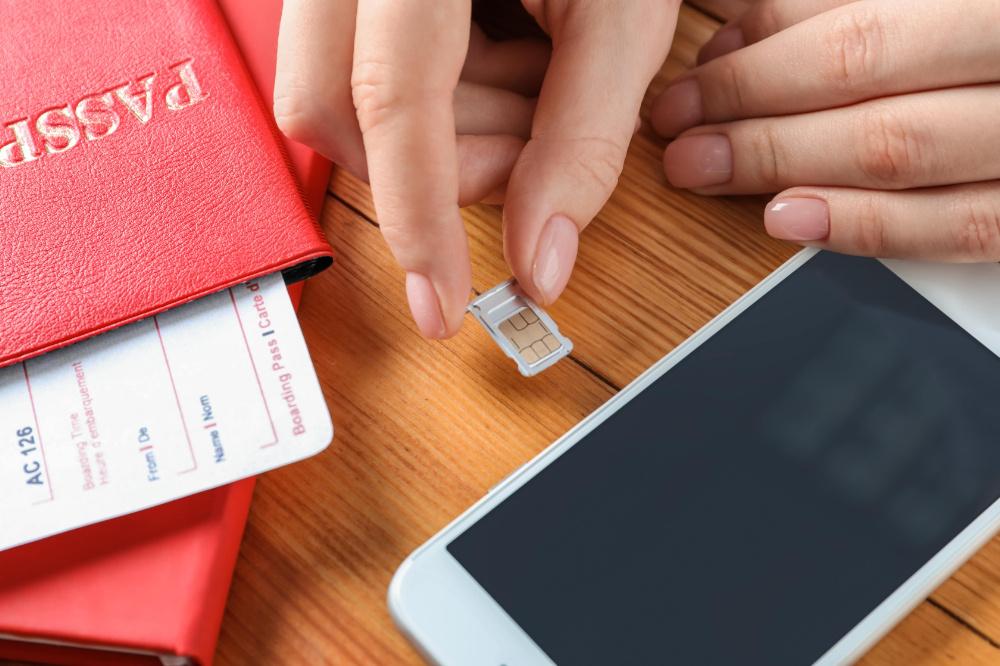
A Korean SIM or eSIM only works if your phone is not locked to your home carrier. Check this before you buy anything.
- iPhone: Settings → General → About → Carrier Lock. It should say “No SIM restrictions”.
- Android: the menu differs by brand, so the quickest way is to ask your home carrier.
While you are there, check whether your phone supports eSIM. Most iPhones from the XS onward and many recent Samsung Galaxy and Google Pixel models do.
Step 2: Choose eSIM, SIM or Roaming
| eSIM | Physical SIM | Roaming | |
|---|---|---|---|
| How you get it | Buy online, install with a QR code | Pick up at the airport or a store | Turn on a plan from your home carrier |
| Keep your home number active? | Yes, on dual-SIM phones | No, unless your phone has two slots | Yes |
| Setup effort | Easy, done before you fly | Easy, staff can help at the counter | Easiest |
| Usual cost | Low to medium | Low to medium | Often the most expensive |
| Best for | Most travelers with a recent phone | Phones without eSIM, or if you want help in person | Short trips, or when your carrier’s Korea plan is cheap |
Our recommendation: choose an eSIM if your phone supports it. Buy it a few days before your trip, install it at home on Wi-Fi, and turn it on when you land. If your phone doesn’t support eSIM, pick up a physical SIM at Incheon Airport.
How Much Data Do You Need?
| How you use your phone | Rough daily use | Plan to look for |
|---|---|---|
| Maps, translation, messaging, a little browsing | Under 1 GB | About 1 GB per day, or a fixed total like 5–10 GB for a week |
| All of the above plus regular social media posts and photos | 1–2 GB | 2–3 GB per day |
| Video streaming, video calls, or sharing a hotspot with a travel partner | 3 GB or more | Unlimited |
Good to know:
- Navigation uses less data than you might think. Video and uploading photos use the most.
- “Unlimited” often means a daily high-speed allowance, after which speed drops. Check the fair-use limit in the plan details.
- Sharing with a partner? Make sure the plan allows tethering (hotspot) before you buy.
Data-Only or With a Korean Number?
Most tourist plans are data-only. That is enough for Naver Map, translation apps, WhatsApp, LINE, KakaoTalk and browsing.
Choose a plan with a Korean number if you want to:
- Make local calls to restaurants or guesthouses
- Sign up for Korean apps that need SMS verification, such as some taxi, delivery or booking apps
- Receive SMS codes from Korean websites


How to Set Up an eSIM
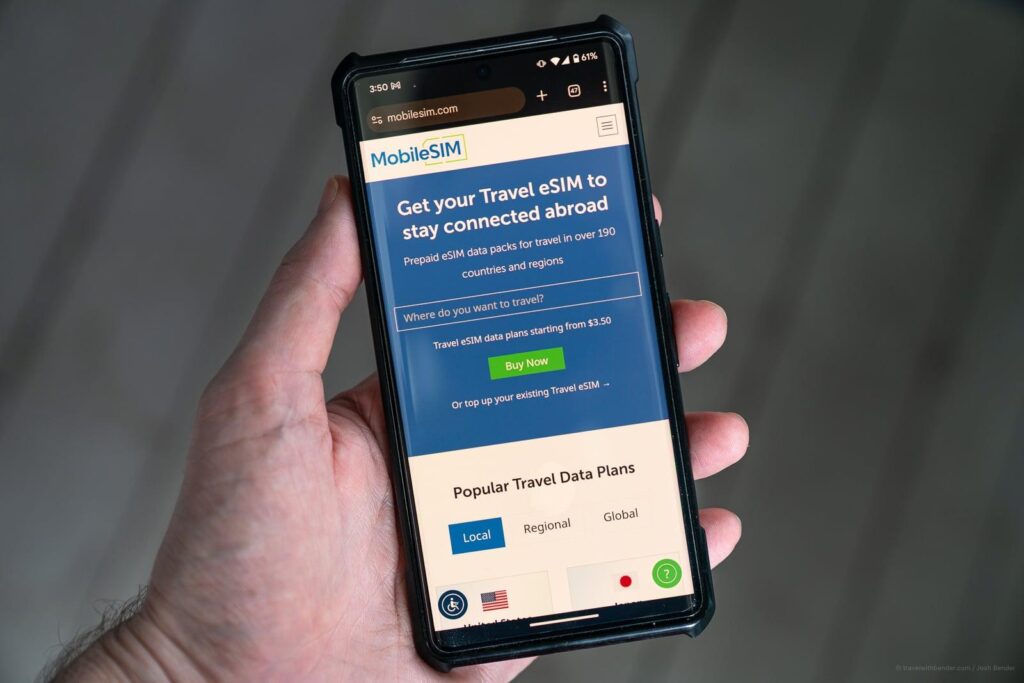
- Buy your plan from the provider’s website or app. You will receive a QR code by email.
- At home, on Wi-Fi: go to your phone’s mobile/cellular settings and choose “Add eSIM”, then scan the QR code.
- Label the new line (for example “Korea”) so you can tell your lines apart.
- After landing: set the Korea line as your mobile data line and turn on data roaming for that line if the provider says to.
- Turn off data roaming on your home line to avoid charges from your home carrier.
Some plans start counting days from installation, others from first connection in Korea. Read your plan’s activation rule before installing it too early.
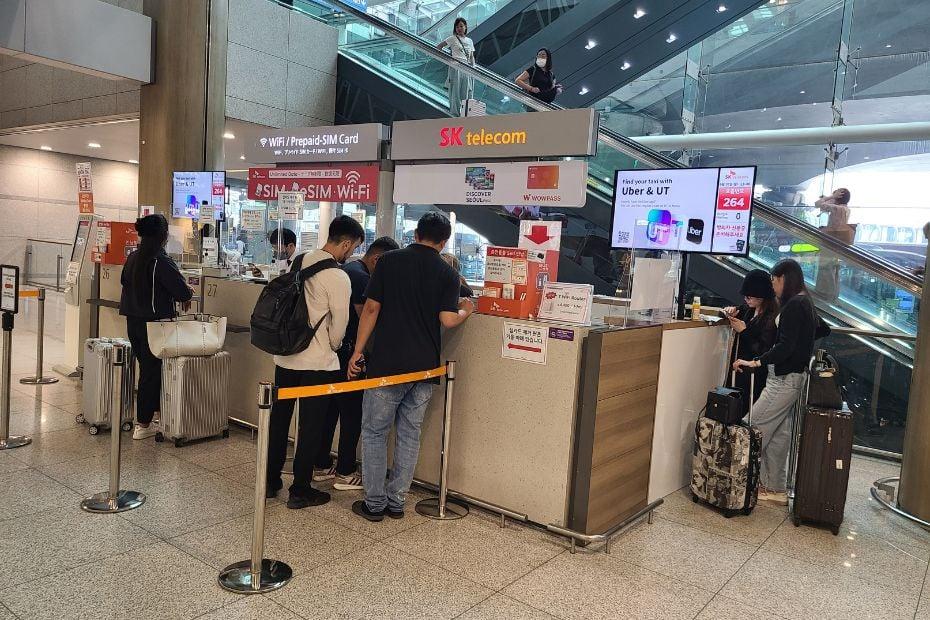


Getting a Physical SIM at Incheon Airport
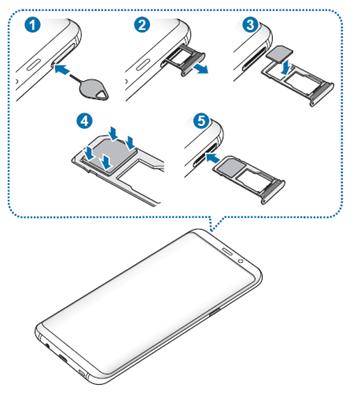
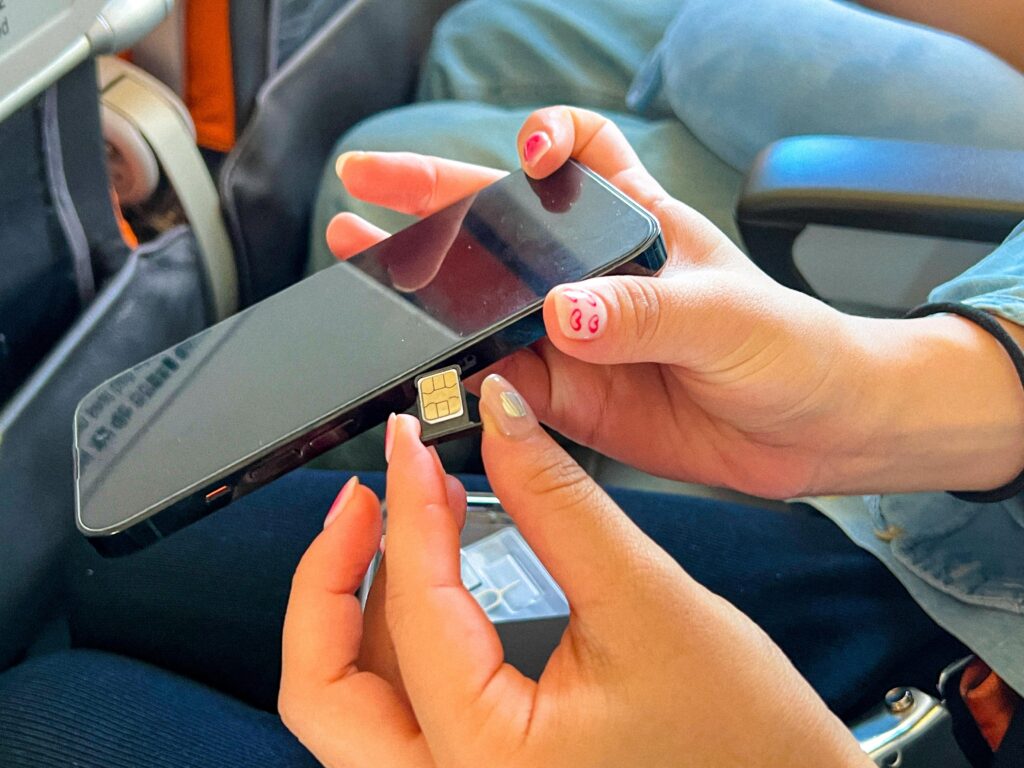
If your phone doesn’t support eSIM, pick up a tourist SIM when you land:
- Where: counters of Korea’s main carriers — SK Telecom, KT and LG U+ — are in the arrivals hall at both terminals. Staff will usually insert and test the SIM for you.
- Bring your passport. Korean SIM purchases require it.
- Keep your home SIM safe — a small zip bag or the backing card from your new SIM works well.
Before you leave the terminal, whichever option you chose, check that mobile data works, your map app can show your route to the hotel, and your hotel address is saved — ideally in Korean too. If anything isn’t working, sort it out at the carrier counter first; it is much harder once you are on a train. → Incheon Airport to Seoul


If Your Data Doesn’t Work
- Turn airplane mode on for 10 seconds, then off.
- Restart your phone.
- Check that the Korean SIM/eSIM is selected for mobile data.
- Check data roaming is on for the Korean line if your provider requires it.
- Check the APN settings in your provider’s instructions.
- Confirm your plan has started and has not expired.
- Contact the provider with your order number ready.
Other Ways to Stay Connected
- Free public Wi-Fi is available in many subway stations, buses and public spaces in Seoul. Look for networks named “Seoul” or “Public WiFi Free”. It is handy as a backup but not reliable enough to replace mobile data.
- Pocket Wi-Fi routers can be rented at the airport. They make sense for groups sharing one connection, but you have to keep the device charged and carry it everywhere.
Useful Apps to Install Before You Go
- Naver Map or Kakao Map — the most detailed maps in Korea, with subway exits and walking routes
- Papago — a Korean-made translation app that handles menus and signs well
- KakaoTalk — used by most Korean businesses and guesthouses for messaging
Our own Korean Image Search and Seoul Subway Route Finder run in your browser and need only a data connection.
Official Carrier Pages
Related Guides
→ Seoul travel tips for first-time visitors · Seoul travel budget · Electricity & plugs in Seoul
Plans, prices and activation rules change. We check this page regularly, but please confirm the details with your provider before purchasing.
A Local’s Note
Why I’d Go with an eSIM
If it were me, I’d go with an eSIM. Just to be clear, this is my personal opinion, but let me walk you through a few reasons why.
eSIMs for Korea run on the networks of the three major carriers: SKT, KT and LG U+. That means you get the big advantage of unlimited data at 5G speeds, and you never have to bother swapping out a physical SIM card.
So while you’re traveling in Korea, you can look up restaurants, find your way around with Google Maps or Naver Map, and check out the latest pop-up stores without worrying about your data.
You can activate it the moment you land and enjoy fast, convenient 5G right away.
A few things to check first
- Make sure your phone supports eSIM. Some older models don’t.
- Set it up on Wi-Fi. I recommend doing the initial setup while connected to Wi-Fi, since you’ll need a stable internet connection.